Fantasy Pixel Art Character - Flareko
A downloadable asset pack
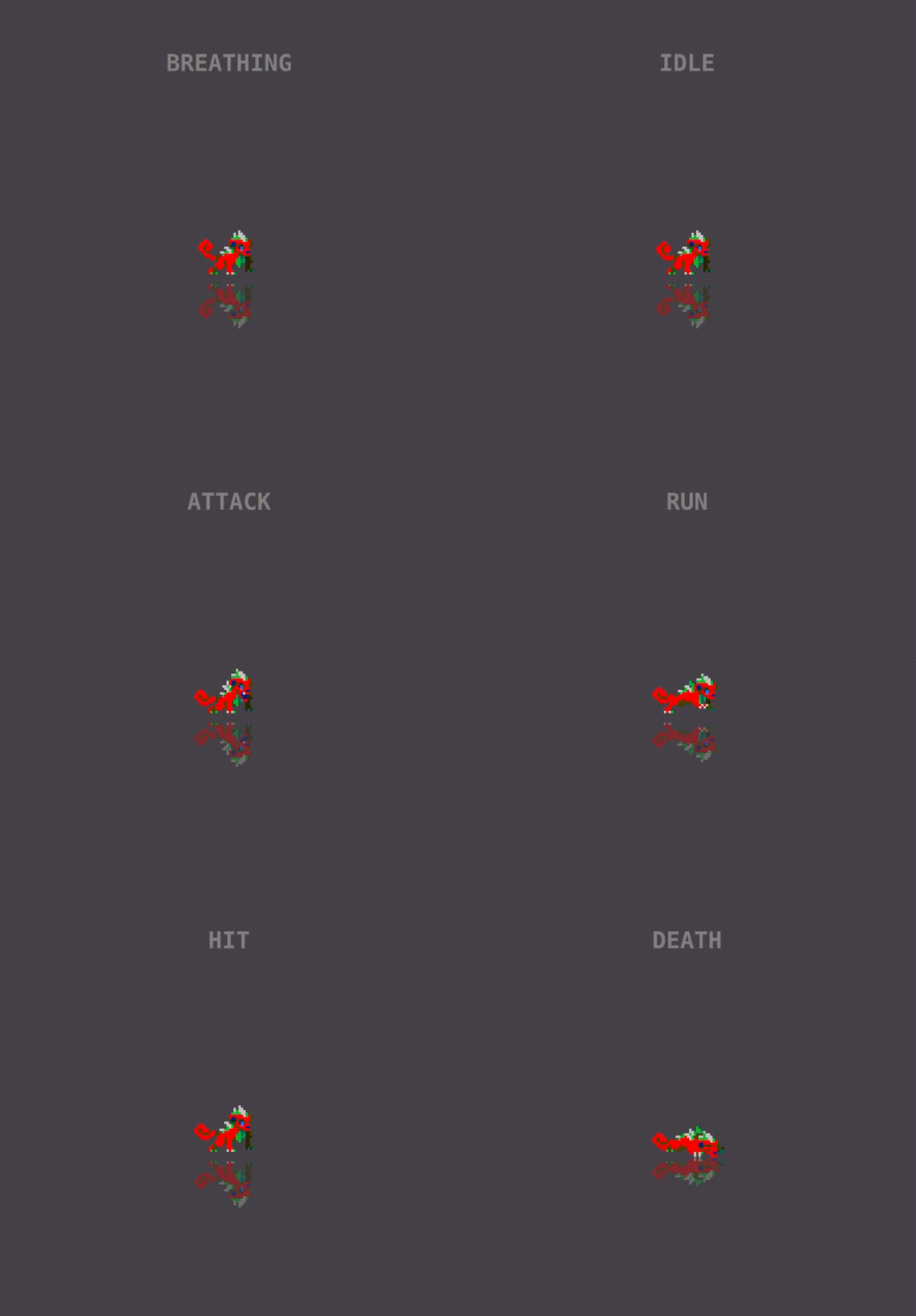
Flareko – Animated Pixel Art Character
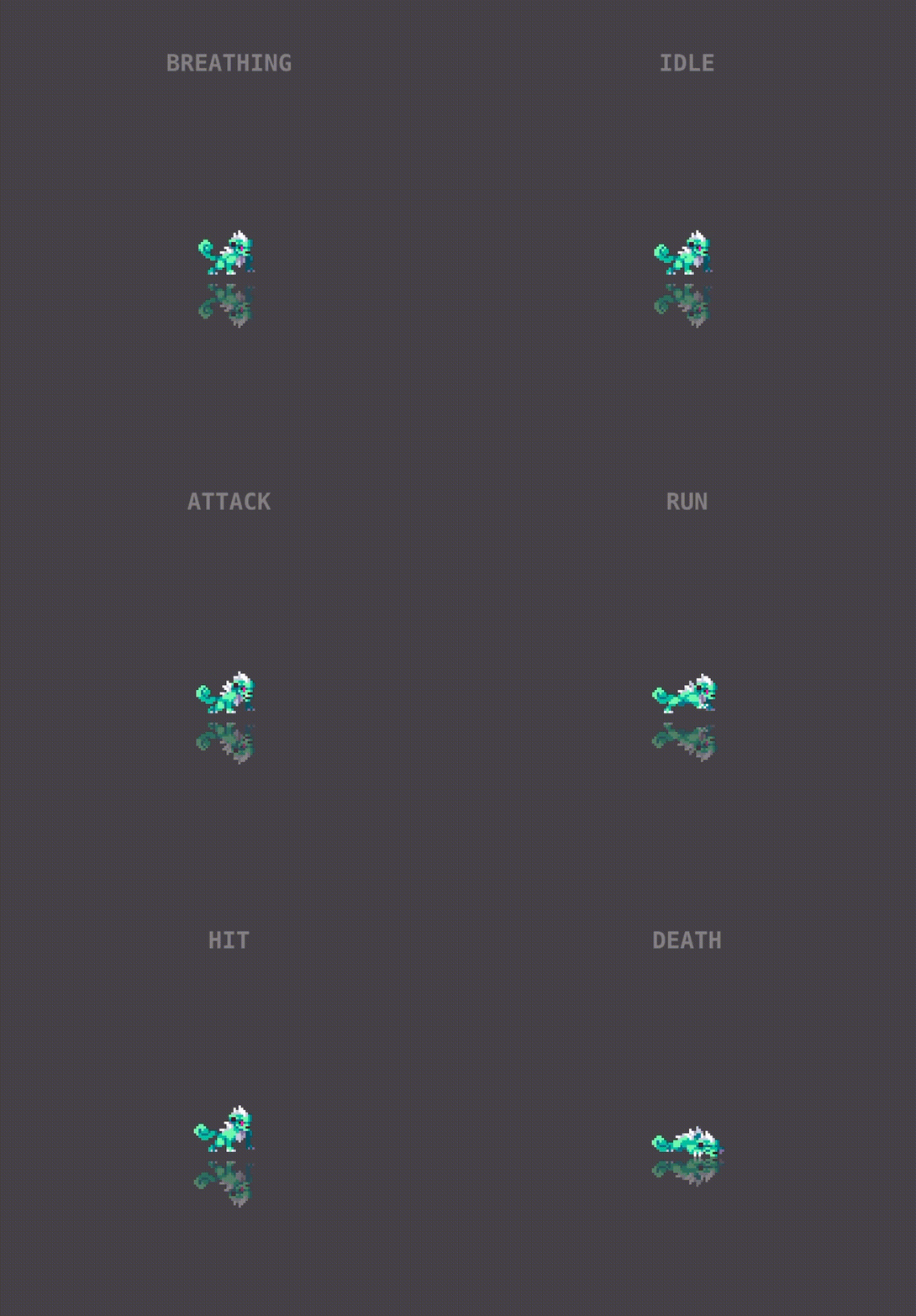
🩵 Flareko — The Teal Fire Lizard
A mischievous teal lizard that breathes bursts of pink flame! Flareko brings a perfect balance of cute and fierce energy to your fantasy world — whether as a magical companion, a small boss, or a fire-breathing creature in your pixel adventure.
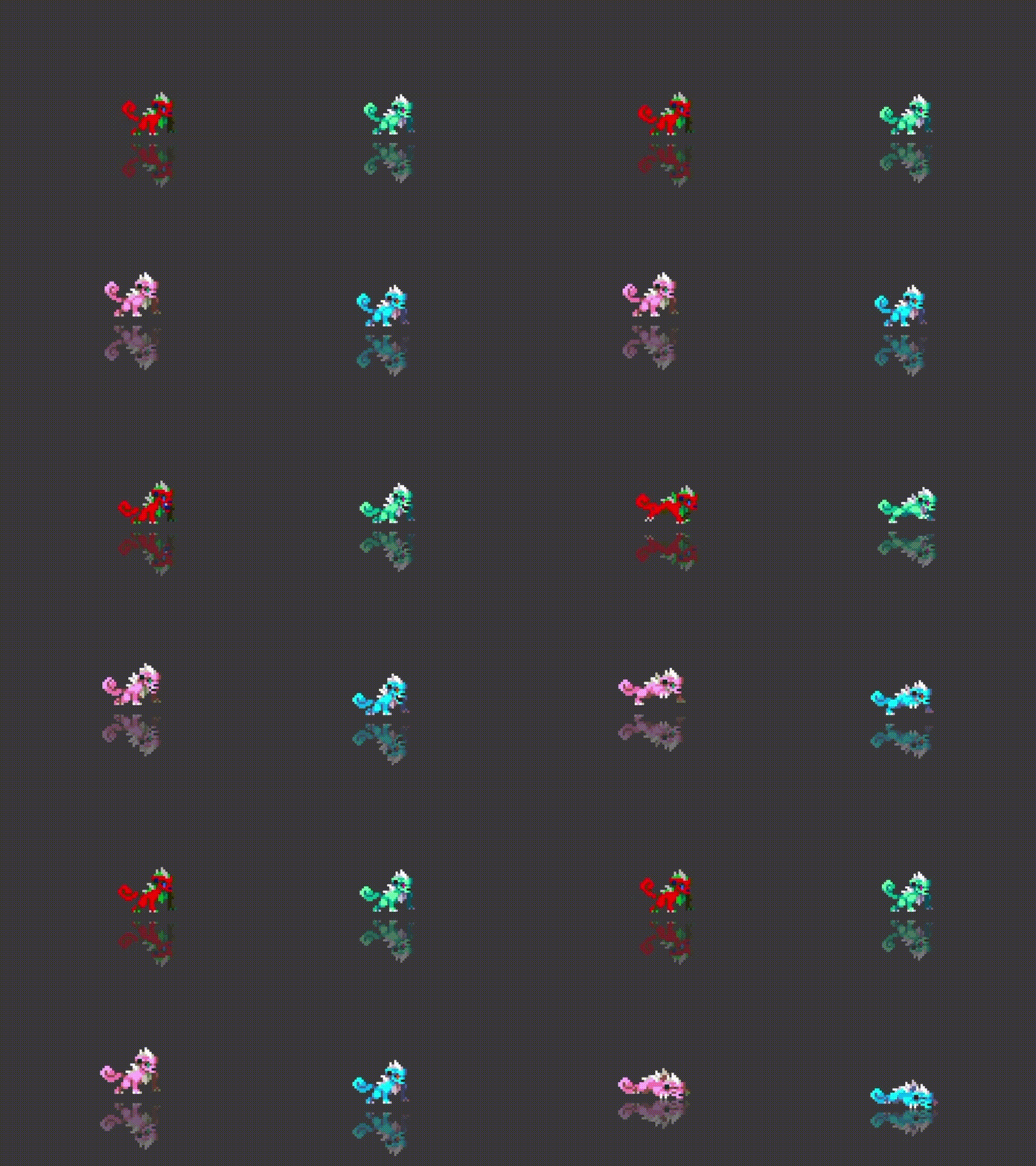
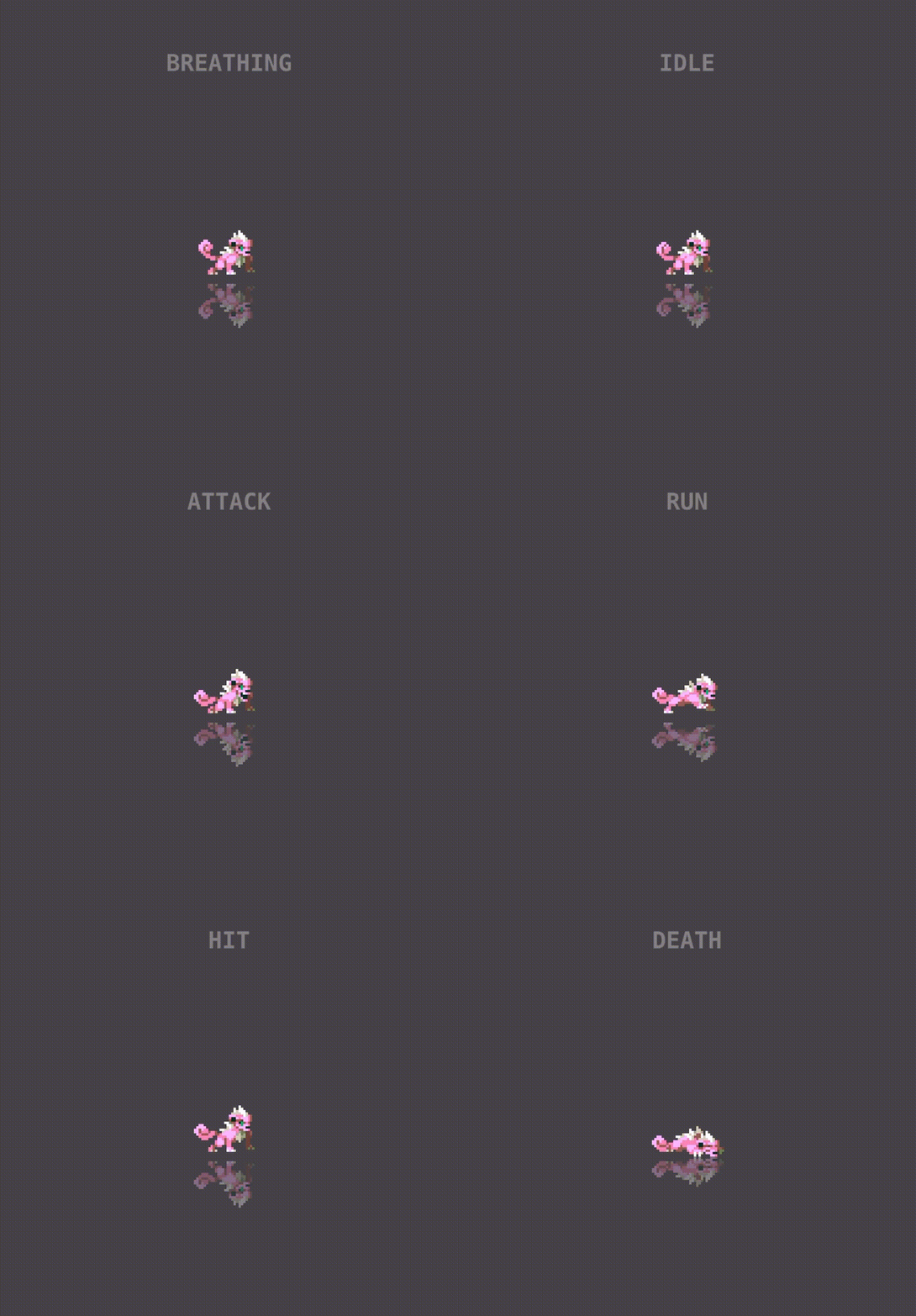
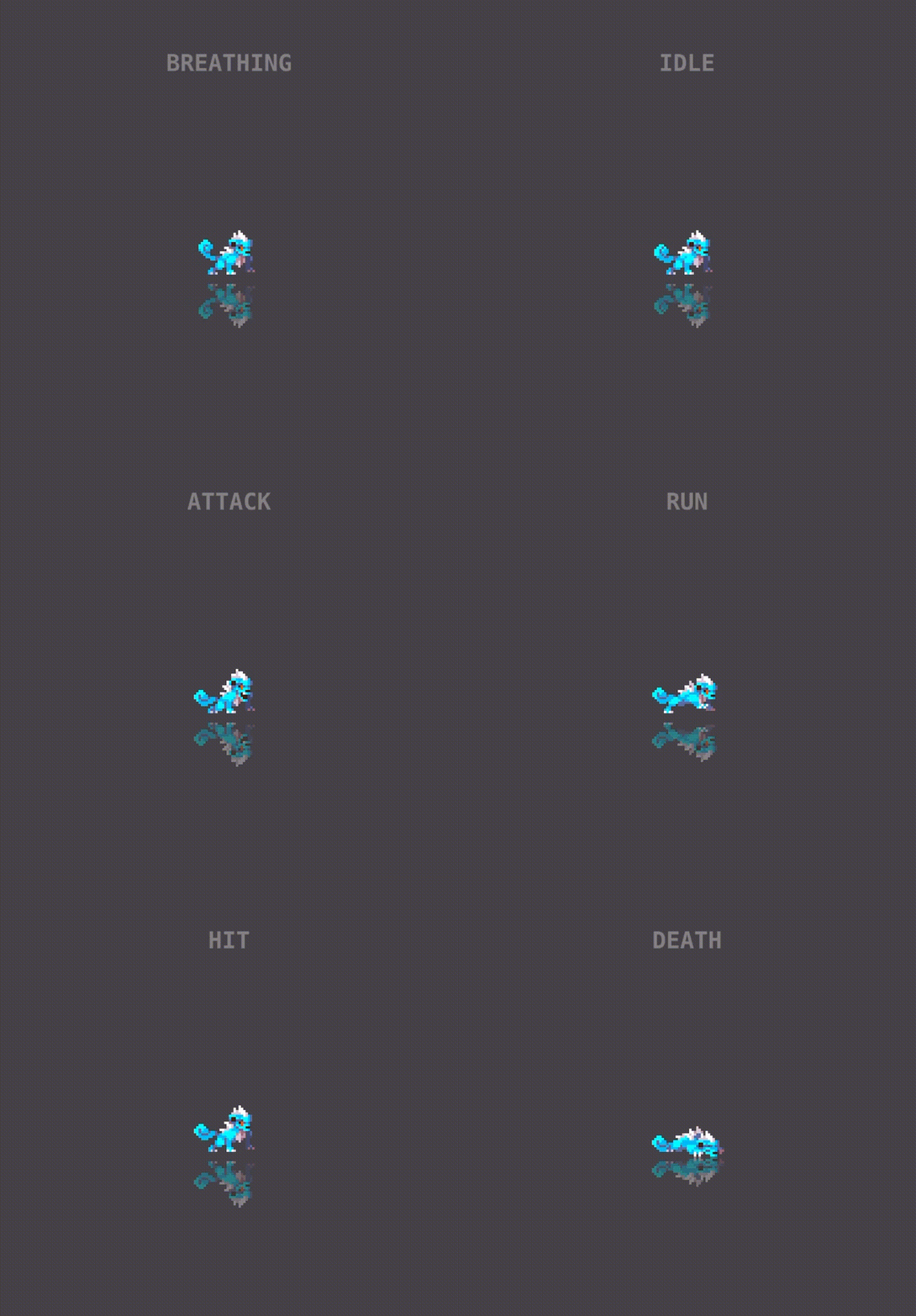
🎨 4 Color Versions Included Each version comes with the full animation set
🎮 Animations Included
-
Idle – 12 frames
-
Breathing – 16 frames
-
Attack – 19 frames
-
Run – 8 frames
-
Hit – 3 frames
-
Death – 7 frames
📦 Files Included
-
flareko.png– default color complete spritesheet -
flareko.plist– default color frame data for each animation (TexturePacker / Cocos2D format) flareko_{color}.png, flareko_{color}.plist – Separate png and plist files for each color version
🧩 Technical Info
-
Sprite size per frame: 120×120 px (adjust if different)
-
Spritesheet size: 2048×1024 px (adjust as needed)
-
No offsets: Frames aligned at origin (0, 0) for easy drop-in use
-
Compatible with: Unity, Godot, GameMaker, Cocos2D, etc.
💡 Use Ideas
Great for use as:
-
A fiery lizard familiar or pet
-
A small elemental boss or magical creature
-
A collectible companion in an RPG
-
Or just a cute animated mascot with attitude 💥
This pack is based on public-domain (CC0) artwork, recolored to add more variations and flexibility.
Download
Install instructions
Download & Install
What you’re downloading: a ZIP with
*.png— the full spritesheet (all frames)spritesheet.plist— frame metadata (TexturePacker/Cocos2D format)
No runtime dependencies. This is an art asset (not an executable). Works in Unity, Godot, GameMaker, and other 2D engines.
Quick Start
- Download the ZIP from this page.
- Unzip it to your project’s art/assets folder.
- Import the
*.png(and optionally the.plistif your pipeline supports it). - Create animations using the frame order (e.g.,
idle_000→idle_001→ …). - Keep filtering “Point/Nearest” and turn off texture compression for crisp pixels.